
HOW TO UNSUBSCRIBE /DND SMS FROM TWILIO NUMBER IN VULTUS:
- Log in to the Twilio SMS account
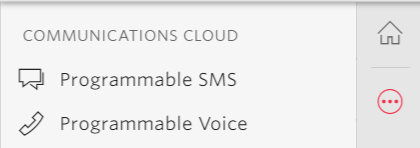
- Click on Programmable SMS on the main menu.
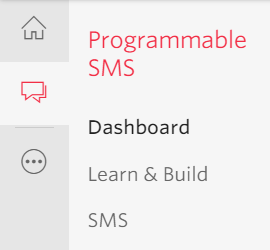
- Click on SMS tab again
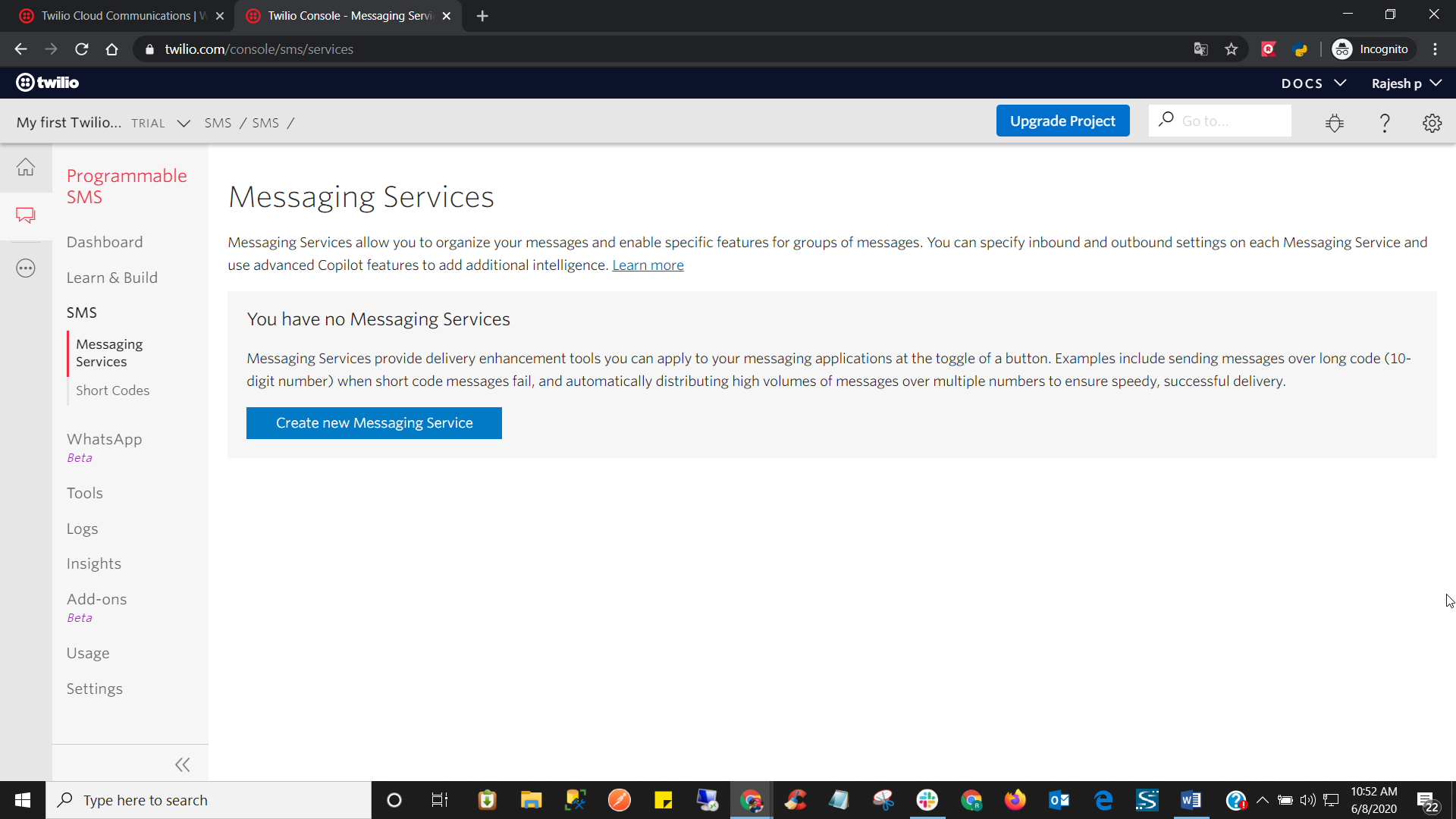
- Now click on Create New Messaging Service
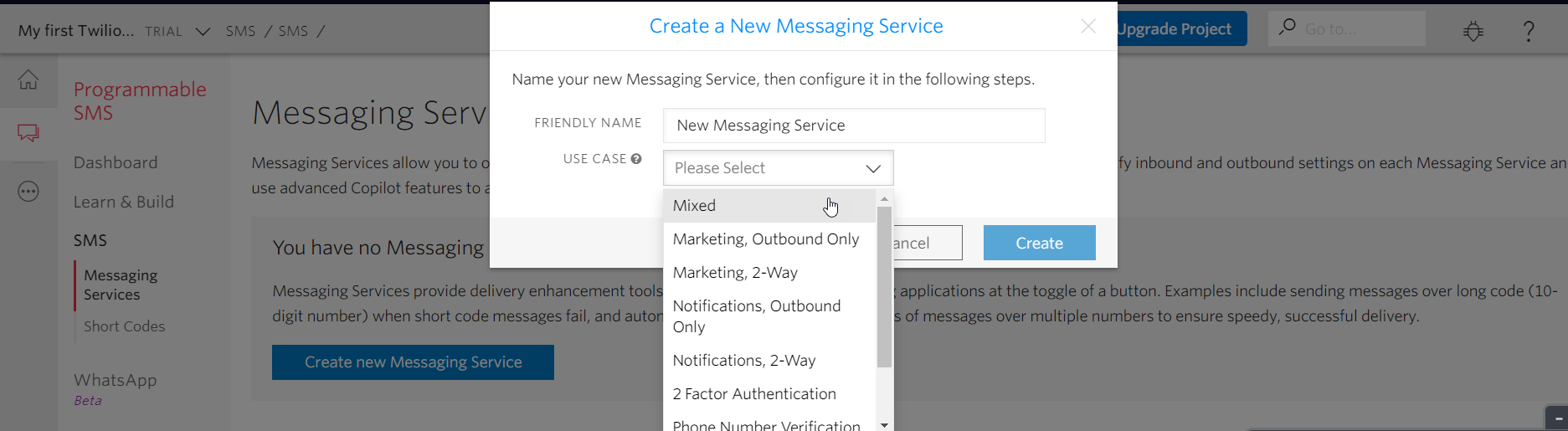
- Provide a name for the Messaging service and select Mixed from the Use Case dropdown menu.
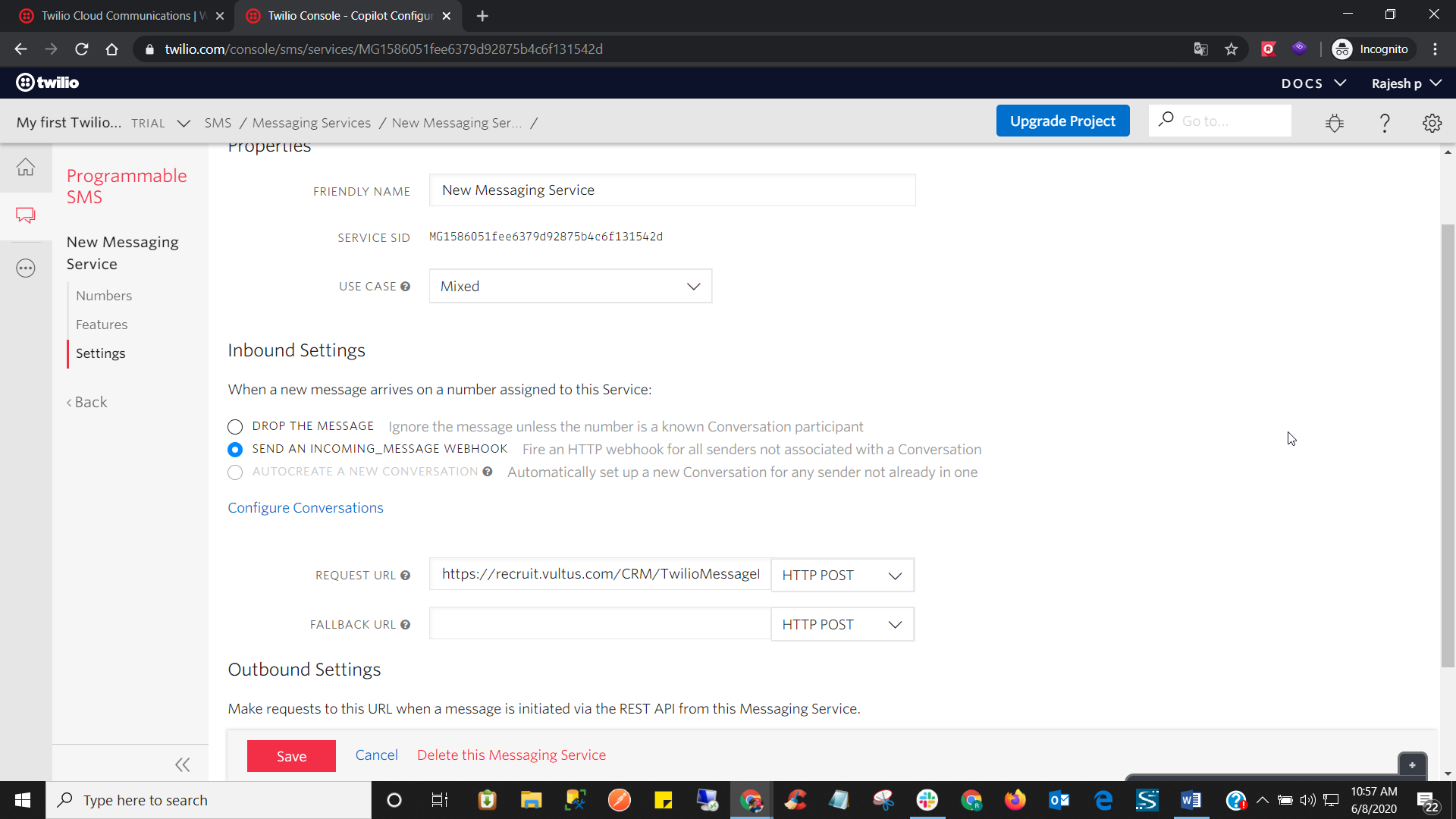
- Go to the Settings tab and under Inbound Settings, select the send an incoming message web hook. In the Request URL dialog box paste this link https://recruit.vultus.com/CRM/TwilioMessageResponse.ashx and click on Save.
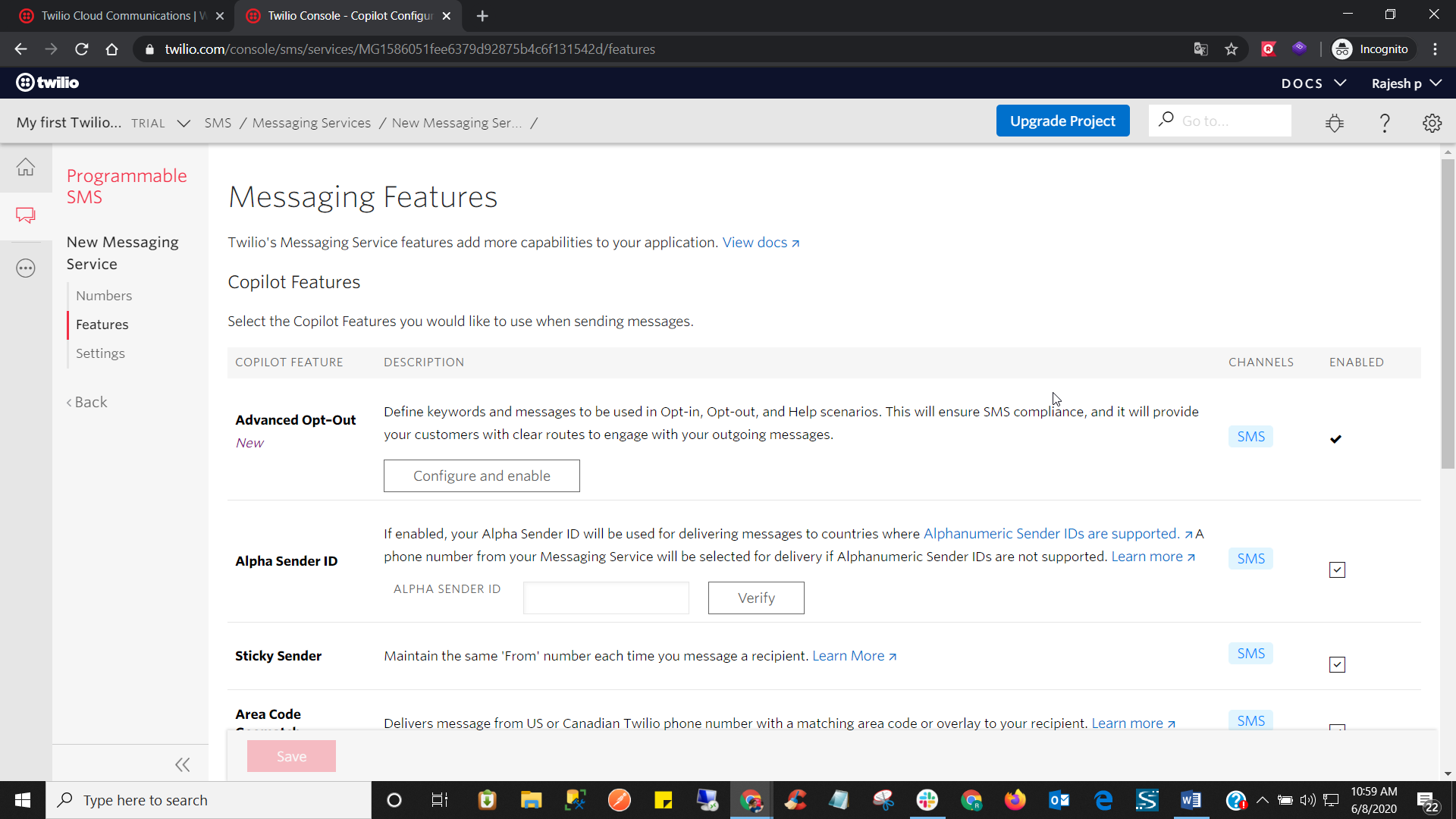
- Go to the Features tab and under Advanced Opt-out click on Configure and enable button to enable it.
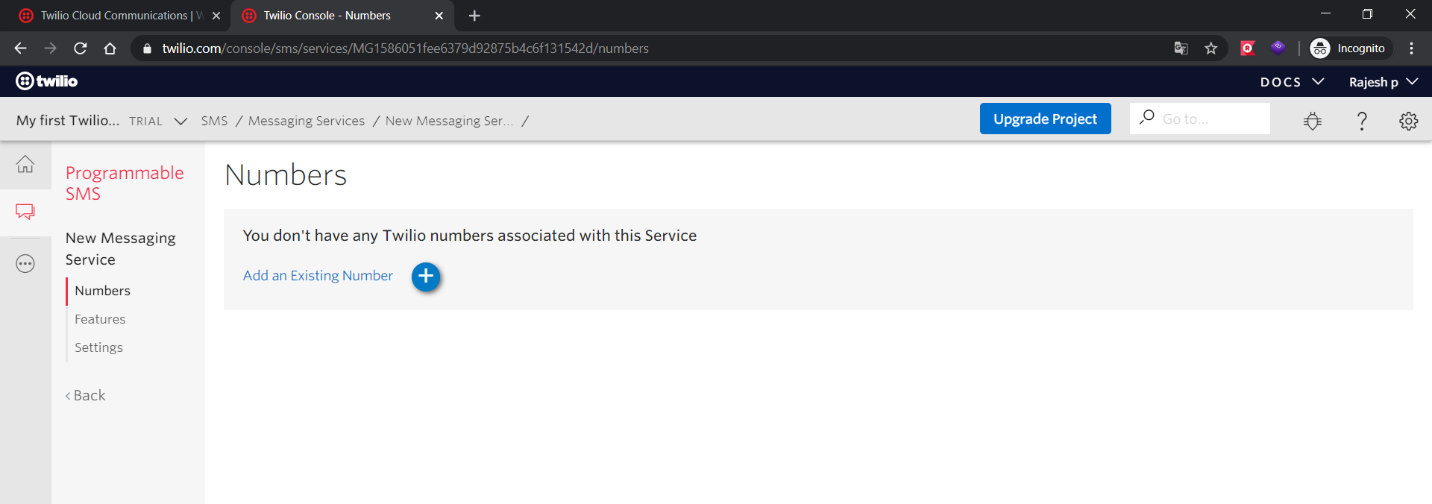
- Go to the Numbers tab and click on Add an Existing Number
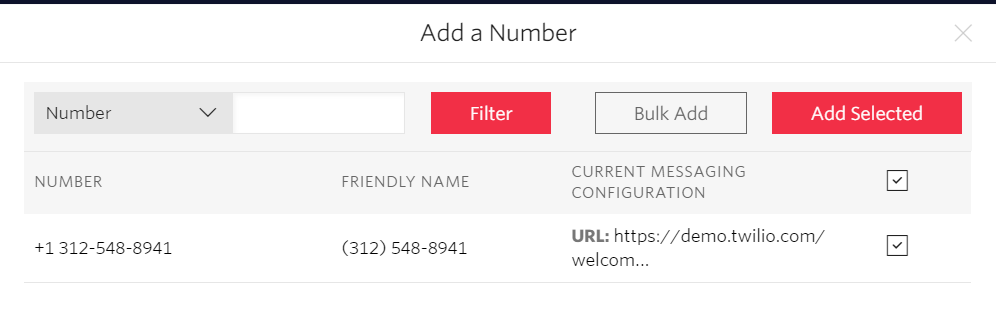
- Select the checkboxes next to the numbers that you wish to select and click on Add Selected.
- If a candidate replies Stop then the candidate will stop receiving SMS from Twilio.
- If a candidate replies Start then the candidate will start receiving SMS again from Twilio.